Three tools show up when developers want to understand their AI coding usage: ccusage, CodexBar, and AgentHarbor. Two of them are excellent at one job, reading your usage after the fact. The third reads it too, and then does the thing the other two never touch. It changes your setup.
This is an honest comparison, written by the team behind AgentHarbor, and it includes the places where the other two win. The short version is simple. ccusage and CodexBar are instruments. AgentHarbor is the room the instruments live in.
Three tools, three jobs
Put plainly, so the rest of this is fair. Each of these is the best at what it set out to do, and only one of them writes to your setup instead of only watching it.
The cost CLI
- Historical token cost: daily, weekly, monthly, per session
- Around 16 agent CLIs, JSON export, editor statusline
- Zero install via npx
The limits monitor
- Live session, 5h, weekly and monthly windows
- 69+ providers, incident badges, health polling
- macOS menu bar, plus a scriptable CLI
The control plane
- Deploys MCP, rules, skills, hooks and agents across tools
- Deep analytics and a live tray for Claude, Cursor, Codex, Gemini
- Native desktop app on macOS and Windows, signed and auto updating
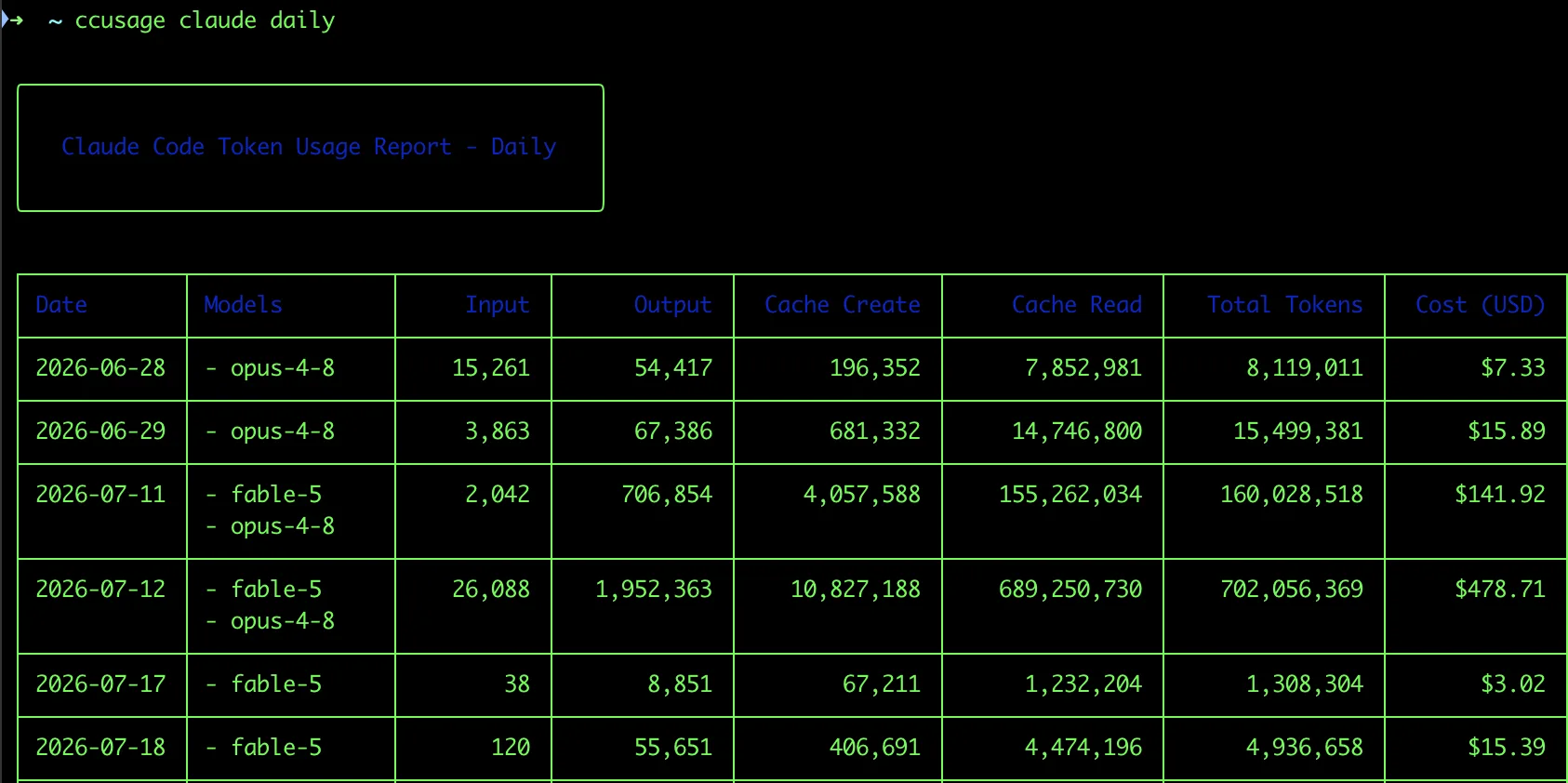
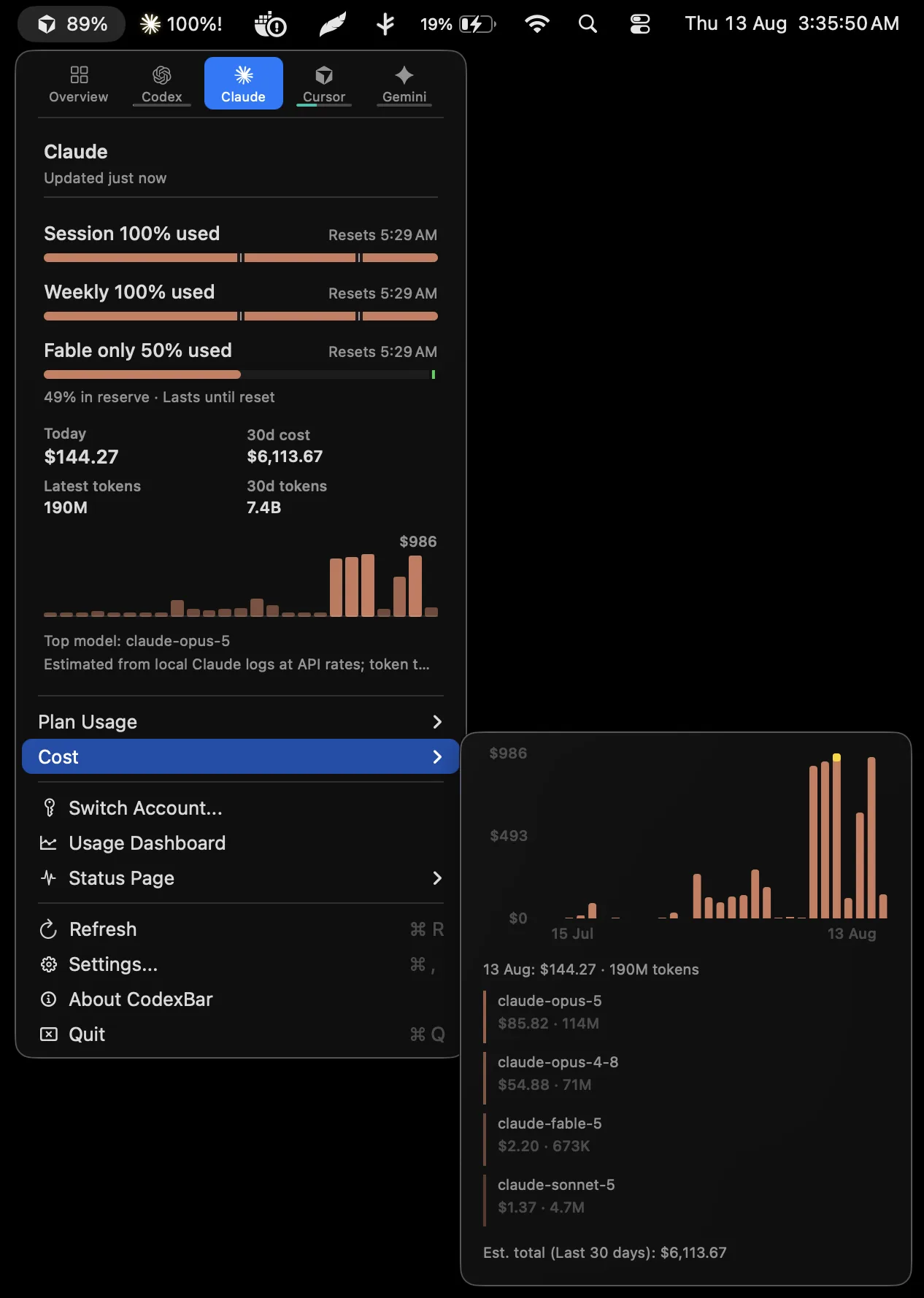
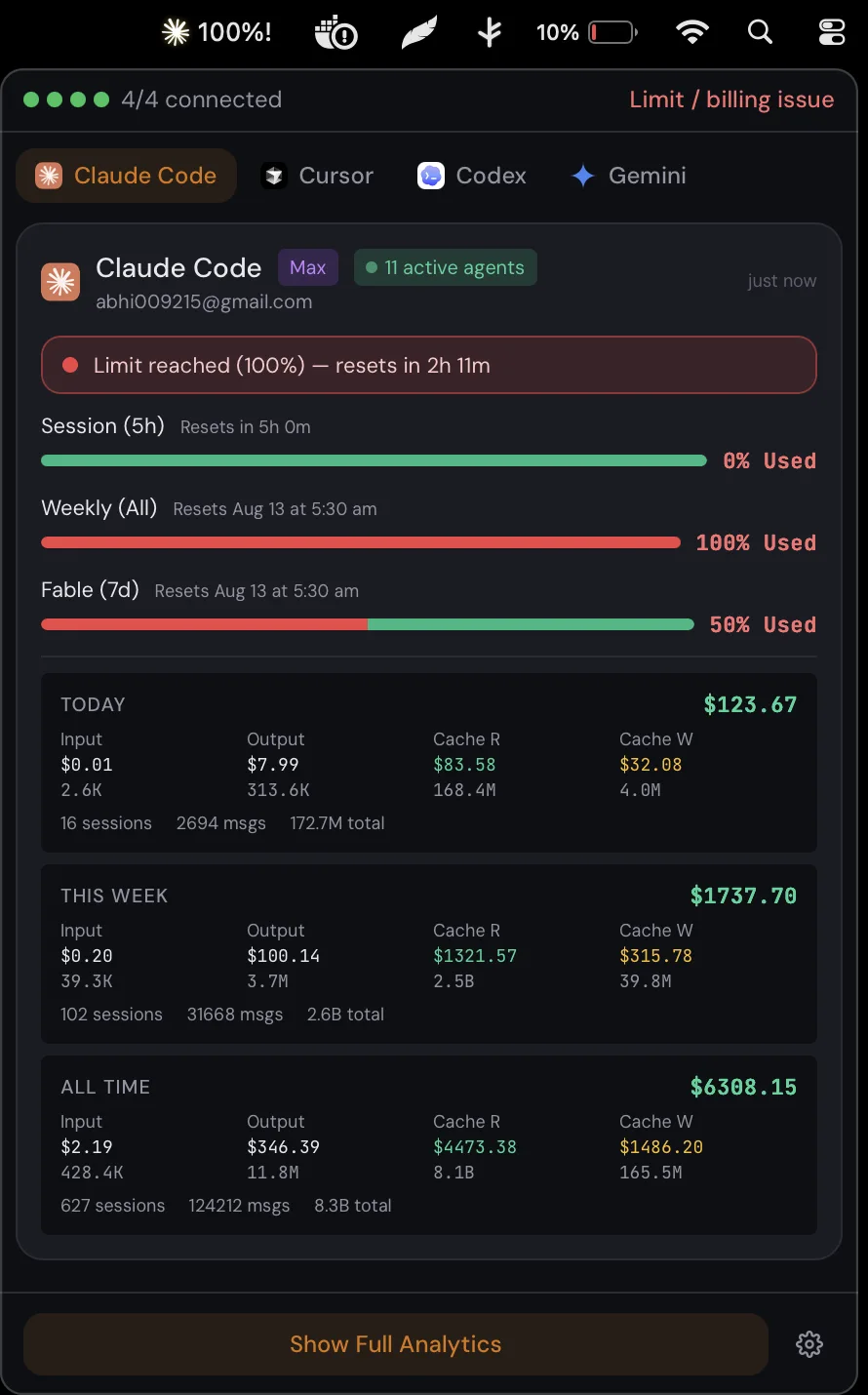
ccusage and CodexBar tell you what you spent. AgentHarbor runs the agents you spent it on.
A monitor reads. A control plane writes.
This is the whole argument in one line. Reading usage is table stakes, and all three do it well. Changing your setup safely is much harder, and only one of them does it at all.
AgentHarbor keeps every capability, an MCP server, a rule, a skill, a hook, an agent, in a single searchable library, imported once in a universal format. Deploying to a specific tool is the adapter's problem, not yours.
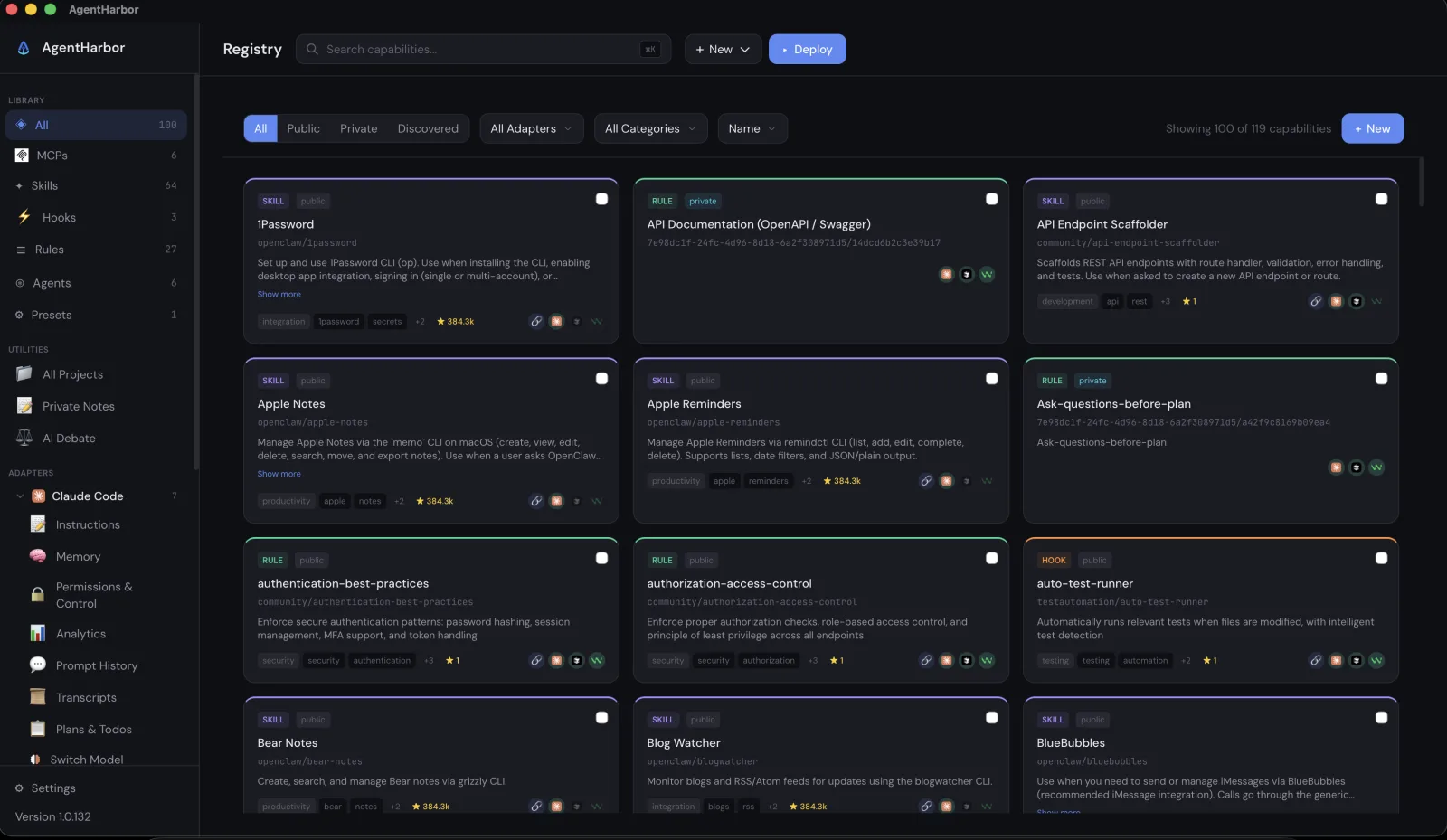
Watch usage and limits
Change your agent setup, with a safety net
Where we stand, graded four ways
Not a sales chart. Four honest tiers. Where AgentHarbor is in a league of its own, where it is clearly better, where it is a fair fight, and where the other two win.
- Deployment. Push MCP servers, rules, skills, hooks, plugins and sub agents to Claude Code, Cursor, Windsurf and Gemini, with a diff preview, timestamped backups, drift detection and one click restore. ccusage and CodexBar deploy nothing.
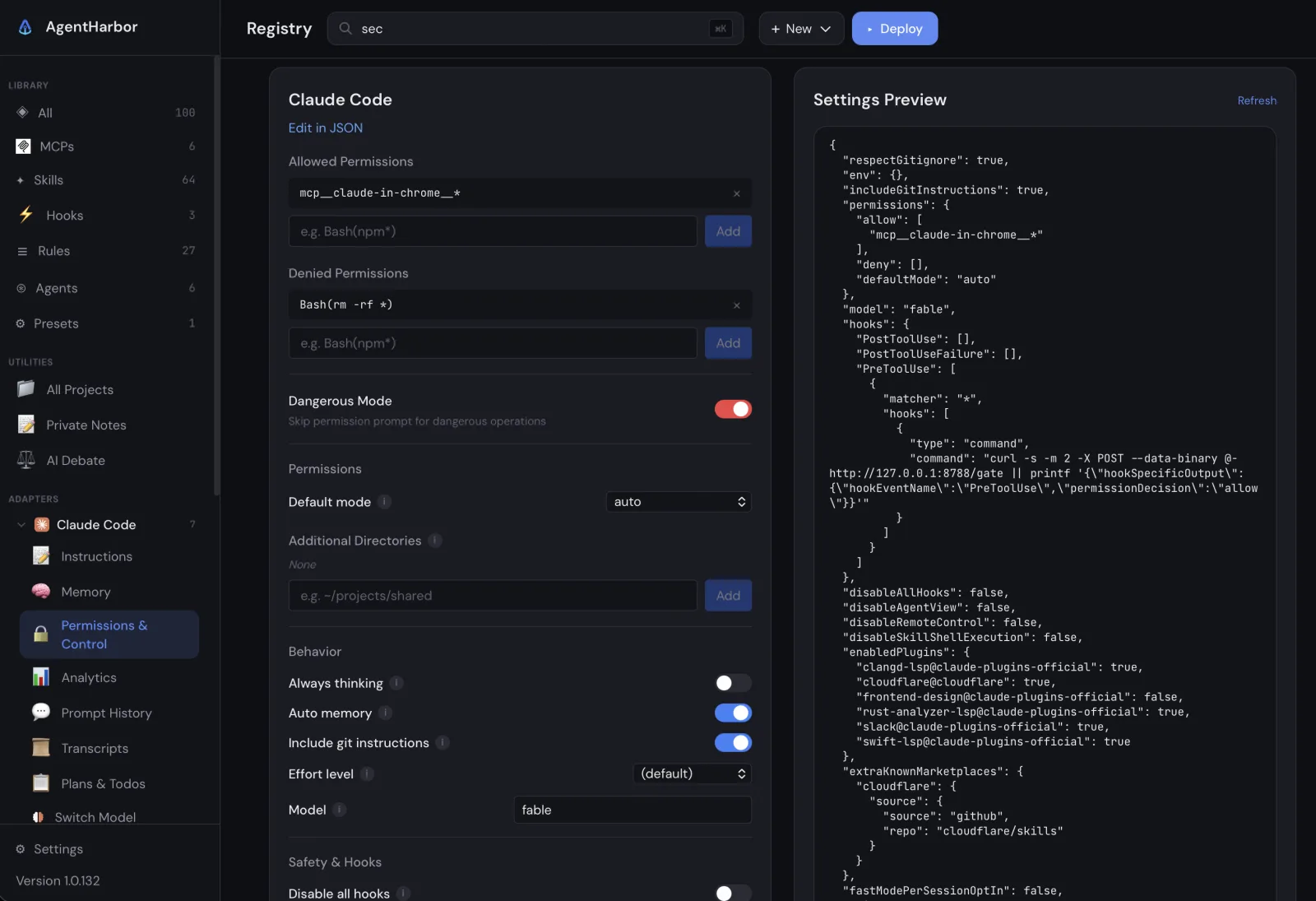
- Security controls. A structured editor for Claude Code's allow and deny lists and safety switches, disable shell execution on skills, disable remote control, sandbox directories, in one screen.
- Secret scrubbing. Pasted a key into the chat by mistake? Find and wipe it from that saved conversation, with a byte exact backup, a JSONL integrity guard, and auto pruning of backups after seven days.
- AI workflow tools. Cross provider AI Debate where Claude and GPT refine a plan, a local Token Optimizer, and a Claude to Ollama model switch. None of this exists in a usage meter.
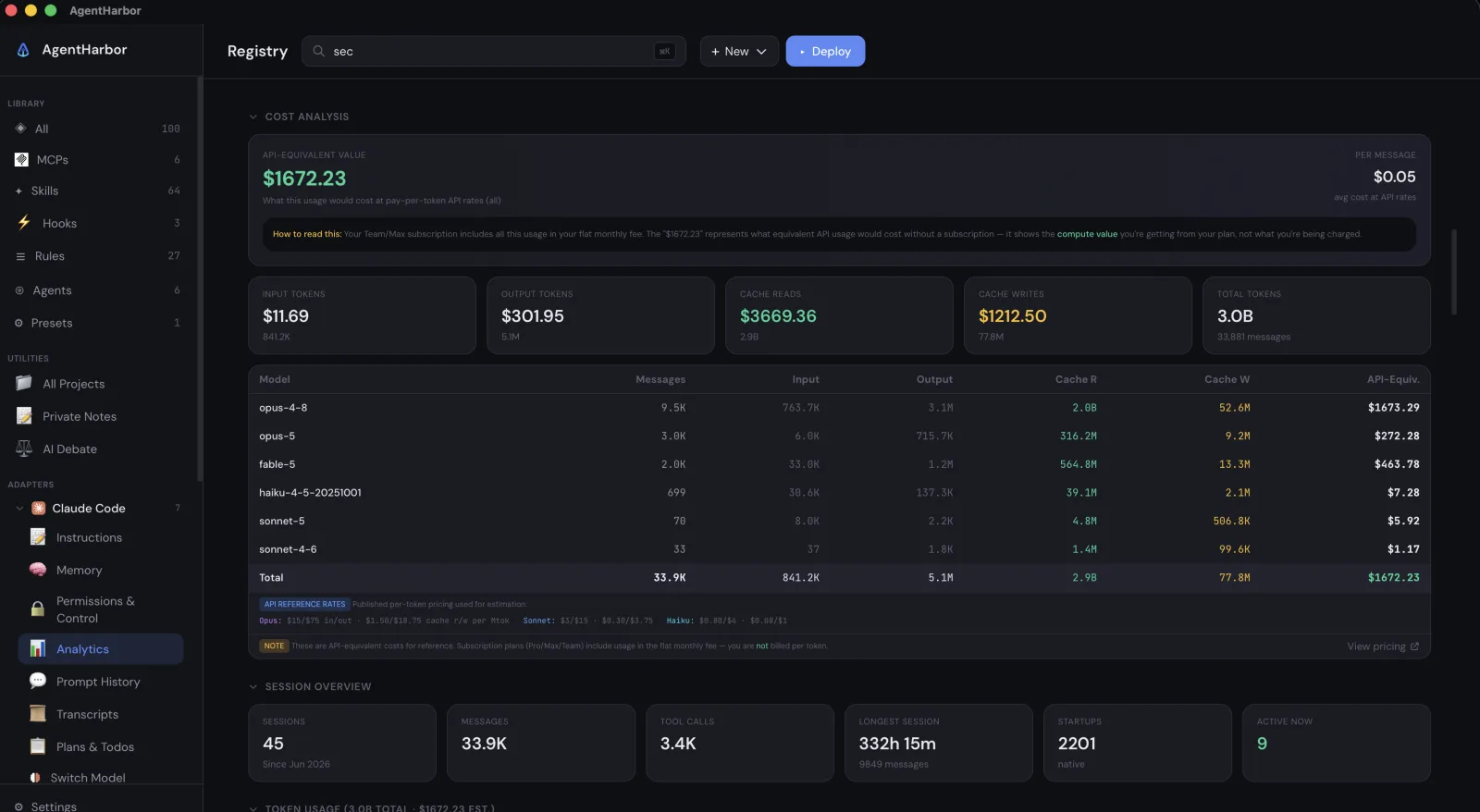
- Depth of analytics. A dashboard of fifteen sections. Billing, per model limits with severity and an active window marker, a cost breakdown, an activity heatmap, per project tables, inference geography, a message log. Versus ccusage's tables and CodexBar's menu bar readouts.
- A real cross platform app. A native desktop window on macOS and Windows, signed, notarized, with verified auto updates. CodexBar is macOS menu bar only, ccusage is a CLI.
- Local intelligence. Real project names recovered from transcript paths, git worktree tagging, a PID verified active count, and discovery of skills and plugins you already have installed.
- Live rate limits. CodexBar's home turf, and AgentHarbor does it in the tray too, with per window severity and reset countdowns. Roughly even, CodexBar has more window variety.
- Historical cost. ccusage is arguably more polished for pure cost reporting. AgentHarbor covers the same ground inside a bigger app, with a cost engine whose parts always sum to the headline.
- Provider breadth. CodexBar monitors more than sixty nine providers, AgentHarbor analytics covers around sixteen. For sheer breadth, CodexBar wins.
- Zero install and CLI. npx ccusage needs no install, and both ship a CLI you can script in CI. AgentHarbor is a signed desktop app with no command line yet.
- Monitoring polish. CodexBar's incident badges, provider health polling and stale data dimming are more mature than our tray today.
Deploy once, with a safety net
Every deploy starts with a preview. You see the exact file changes, side by side or unified, before a single byte is written. You pick a strategy per file, merge or overwrite or skip. AgentHarbor backs up what it touches, records what it deployed, and later detects drift when a tool edits those files behind your back. Undo restores the last known good state.
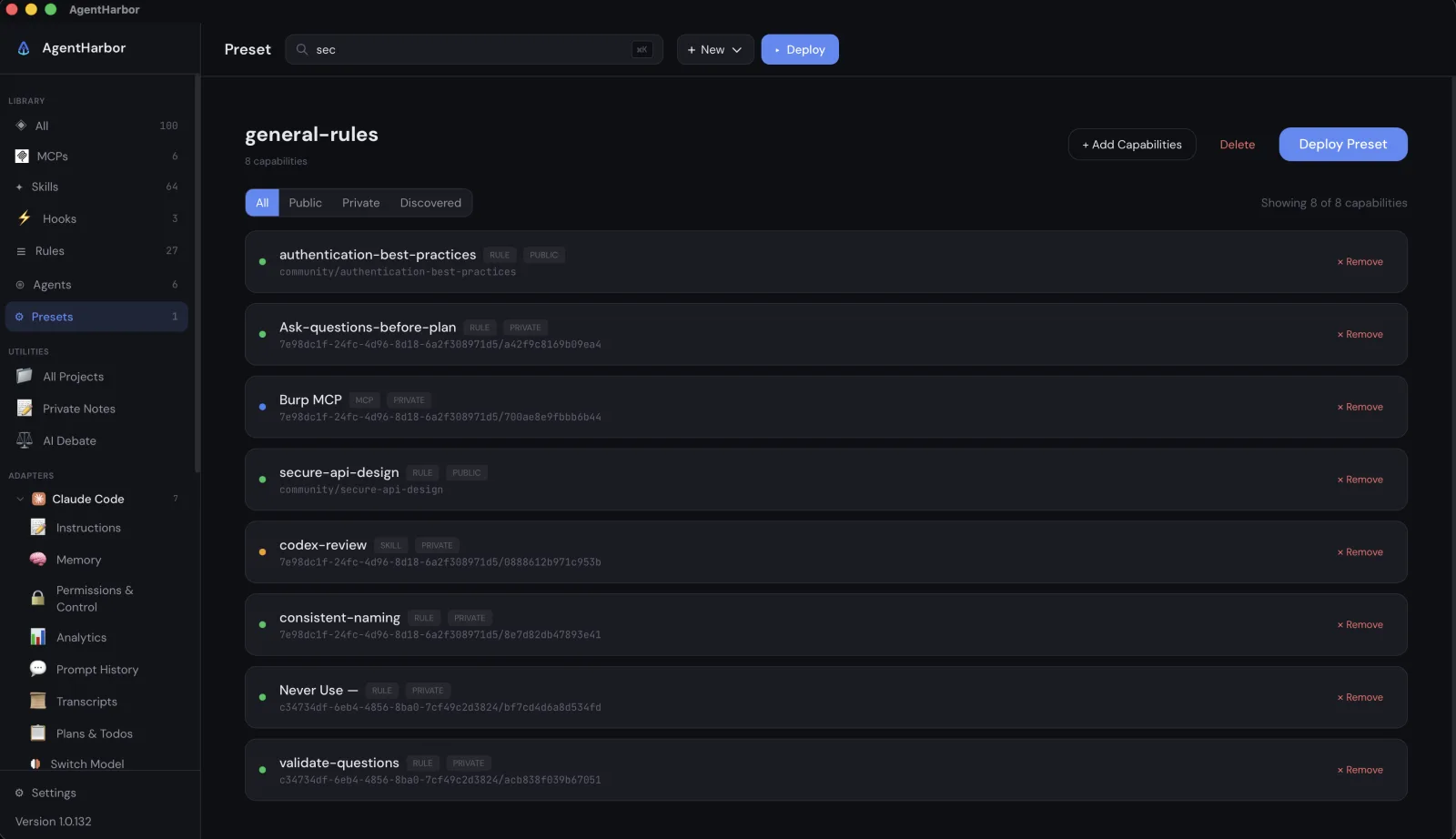
Presets take it further. Save a bundle you want on every project, authentication rules, a house style, an ask before planning rule, and deploy the whole stack in one click. New project setup drops from an hour to under a minute.
Security you can actually see
AgentHarbor gives Claude Code's permission model a real interface. Allow and deny lists, sandboxed directories, and the safety switches that matter, disable shell execution on skills, disable remote control, all in one screen instead of hand edited JSON.
We have all done it. You paste an API key or a token straight into the chat to move faster, and now it is sitting in that saved conversation on disk. AgentHarbor lets you find that secret and wipe it out of the transcript in place. It writes a byte exact backup first, validates the file is still well formed after the edit, and prunes those backups after seven days. It is a careful operation on files you own, never a copy off your machine.
Everything AgentHarbor does
The full surface, grouped. Every line below is shipping today, not a roadmap, and most of it has no equivalent in a usage meter.
The capability matrix
One table, read as a map of jobs rather than a box tick contest. A filled dot is full support, a half dot is partial, an open dot is none.
| Capability | AgentHarbor | ccusage | CodexBar |
|---|---|---|---|
| Live rate limits | ●tray | ○ | ●core |
| Historical cost | ● | ●deepest | ● |
| Deep per provider analytics | ●15 sections | ○ | ◐summaries |
| Provider breadth | ◐~16 | ◐~16 | ●69+ |
| Config and capability deployment | ●8 adapters | ○ | ○ |
| Deploy safety (diff, backup, undo, drift) | ● | ○ | ○ |
| Permission controls (allow, deny) | ● | ○ | ○ |
| Secret scrubbing | ● | ○ | ○ |
| Keychain secrets vault | ● | ○ | ◐keys only |
| Local capability discovery | ● | ○ | ○ |
| AI Debate, Token Optimizer, model switch | ● | ○ | ○ |
| Prompt history and transcript viewer | ● | ○ | ○ |
| Full desktop GUI | ● | ○CLI | ◐menu bar |
| Native Windows app | ● | ◐CLI | ○port |
| CLI, zero install, statusline | ○ | ●npx | ● |
| Signed and verified auto update | ● | ○ | ● |
Where ccusage and CodexBar win
An honest comparison names its own gaps. CodexBar monitors more than sixty nine providers, while AgentHarbor's analytics covers around sixteen, so for sheer provider breadth CodexBar wins outright. Both competitors are trivially adoptable in a way AgentHarbor is not. npx ccusage needs no install, and both ship a CLI you can script in CI, while AgentHarbor is a desktop app with no command line yet. And CodexBar's monitoring polish, incident badges, provider health polling, stale data dimming, is more mature than our tray today.
If you only want a scriptable spend report, use ccusage. If you only want the widest net of live limits in your menu bar, use CodexBar. They are good at those jobs, and we are not pretending otherwise.
So which one
Pick by what you actually want to do. Want a cost number in your terminal? ccusage. Want live limits for every provider at a glance? CodexBar. Want to manage the agents themselves, deploy their configs, lock down their permissions, wipe a secret you pasted into a chat by mistake, and switch their models, with monitoring built in? That is the one thing only AgentHarbor does.
Stop watching the meter. Run the harbor. AgentHarbor is free, signed and notarized, on macOS and Windows, with no telemetry, and outbound calls go only to each provider's official API using your own tokens.
For the record. AgentHarbor's cost figures are API equivalent estimates at published rates, not what your subscription bills. Wiping a pasted secret is a manual find and replace, so you point it at the exact string to remove, not an automatic detector that hunts for secrets on its own. Four of the eight deploy adapters currently accept skills only. Competitor numbers come from their own project pages.